Moving Your Smart Home: A Renter’s Transfer Checklist

Relocating with connected devices can feel like moving an orchestra, not just boxes. This renter-focused checklist helps you plan every step, protect deposits, preserve automations, and avoid downtime. We’ll map gear, secure data, and stage a smooth handoff so lights, locks, and scenes follow you flawlessly. Share your own tips, surprises, and wins with fellow movers in the comments, and bookmark this guide for stress-free setup day.

Pre-Move Audit and Inventory

Document Every Device

Build a spreadsheet or use a notes app to log model numbers, MAC addresses, protocol types, and power needs for each gadget. Add photos of labels and current placement, plus snapshots of relevant app screens. Flag items needing hubs, bridges, or batteries. Tag fragile sensors and camera mounts. This living inventory becomes your roadmap for packing, labeling, and recreating your environment with minimal guesswork when time and patience run thin.

Assess What Stays, What Goes

Review your lease and text your landlord about anything hardwired or originally installed by management. Some jurisdictions treat wired thermostats, in-wall switches, and doorbell cameras as fixtures requiring restoration. Decide which bulbs, sensors, or shades are worth moving versus reselling. Estimate replacement costs and time. Photograph original states. When in doubt, plan to reinstall standard hardware so deposits remain safe and expectations are clear for everyone involved in the move.

Snapshots and Labels

Photograph wiring blocks, terminal labels, and cable routes before you disconnect. Use painter’s tape and a fine marker to label each wire, bracket, and screw bag. Add simple QR codes linking to notes or manuals. Color-code rooms and device categories. Future you will thank present you when the new space gets hectic and you can match parts instantly, reducing setup anxiety and avoiding those frustrating moments of trial-and-error reassembly.

Data, Accounts, and Permissions

Your ecosystem lives in apps and clouds as much as in boxes. Clean up user access, remove ex-roommates, and reclaim admin rights. Export routines and scenes, capture screenshots, and save configuration files. Confirm which devices support local control if internet drops. List integrations across voice assistants and hubs. Preparing account transitions ahead of moving day prevents lockouts, orphaned automations, privacy issues, and awkward troubleshooting texts from unexpected people still lingering in your device lists.

Transfer Admin Rights

Verify who has owner roles across Alexa, Google Home, HomeKit, SmartThings, and Matter commissioners. Remove old guests and revoke API tokens from third-party services. If you’re leaving anything behind, handoff access responsibly while removing your data. Use two-factor authentication recovery codes. Keep a secure password manager handy. Tidying permissions before packing ensures you retain control, maintain privacy, and avoid re-pairing chaos triggered by conflicting owners or rogue integrations you forgot existed months ago.

Back Up Automations and Scenes

Export routines where possible, take screenshots of triggers and conditions, and write short notes describing desired outcomes. In Home Assistant, back up YAML, blueprints, and secrets safely. For platform-specific scenes, record exact device names to avoid mismatches later. Store files in cloud folders. This documentation preserves your hard-earned logic, accelerating re-creation in the new space and enabling quick adjustments when layout, lighting angles, or occupancy patterns inevitably change and evolve.

Prepare for Internet Gaps

Expect moments without broadband. Identify which devices function locally and which demand cloud connectivity. Cache critical manuals offline. Consider a phone hotspot or travel router for temporary access. Pack a power strip and ethernet cable in your essentials bag. If you plan SSID continuity, verify identical security settings. With a fallback plan ready, you’ll avoid stalled setup processes and keep essential controls, like entry lighting or locks, reliably available during the transition.

SSID Planning

Reusing the same SSID and password can make many devices reconnect automatically, saving time. However, a fresh SSID offers cleaner organization and better security hygiene. Decide based on device mix and neighbors’ interference. If reusing, match encryption type exactly. If changing, batch-repair devices room by room. Keep a backup hotspot named like your old network for emergency pairing. This minimizes downtime while keeping your long-term network layout intentional and tidy.

Router and Hub Logistics

Stage your modem, primary router, and key bridges in a grab-and-go kit with labeled cables. Consider a travel router to clone SSIDs temporarily during overlap. Reserve IPs for hubs so dependent devices discover them quickly. Update firmware before the move. Photograph port setups. Bring a small unmanaged switch and spare patch cords. With these pieces assembled, your core infrastructure can light up quickly, guiding everything else to fall in line with minimal stress.

Security Hygiene

Moves are perfect reset moments. Rotate Wi‑Fi passwords, disable WPS, and switch to WPA3 where supported. Clean up port forwarding you no longer need. Revisit firewall rules and isolate IoT on a dedicated VLAN or guest network. Remove unknown devices. Update admin passwords for cameras and hubs. This refresh reduces attack surface, protects your privacy in a new environment, and ensures you’re starting stronger rather than carting old vulnerabilities across town unnoticed.

Switches and Thermostats

Shut off breakers and verify with a non-contact tester. Photograph wiring before disconnecting. Label each conductor, cap safely, and reinstall the original switch or thermostat backplate to comply with lease expectations. Protect delicate smart faceplates in padded pouches. Keep manuals handy for reinstallation order. Careful handling prevents bent terminals, blown fuses, and stress on moving day, while avoiding time-consuming mysteries when you’re tired and simply want the comfort restored.

Sensors, Locks, and Cameras

Remove door and window sensors gently to preserve paint. Use dental floss to ease off adhesive without gouging surfaces. Bag each magnet with its sensor. For smart locks, save strike plates and screws separately. Wipe camera mounts, patch small holes, and erase leftover anchors. Deauthorize video access and clear local storage. This tidy approach protects privacy and property, minimizing disputes and ensuring your equipment stays reliable and presentable for fast redeployment later.

First 24 Hours in the New Place

Day one is about stability and safety, not perfection. Start by bringing up internet and core hubs, then prioritize entry lighting, locks, smoke alarms, and Wi‑Fi coverage. Reconnect room by room, testing scenes as you go. Expect different acoustics, sunlight, and motion patterns. Adjust names to match new rooms. Share your first-day lessons in the comments to help other renters decode tricky corners, stubborn devices, and unexpected quirks that inevitably appear after the truck leaves.
Unpack the modem, router, and primary hub before anything else. Confirm signal coverage, perform a quick speed test, and verify 2.4 GHz pairing availability. If the ISP installation lags, use a preplanned hotspot to bridge essentials. Pair locks and entry lighting early for security and convenience. With connectivity solid, the rest of your devices can rejoin predictably, avoiding frustrating loops while your energy focuses on new layouts rather than emergency troubleshooting.
Start with the entry and kitchen for daily function, then living room and bedroom for comfort. Reconnect devices in logical clusters so scenes align naturally. Test voice commands and remap routines referencing old room names. Check sensor placement for line-of-sight and coverage. Take notes when something fails and fix in batches. Measured progress beats scattered plugging, helping you finish with fewer configuration tangles and a setup that feels coherent, reliable, and calming quickly.
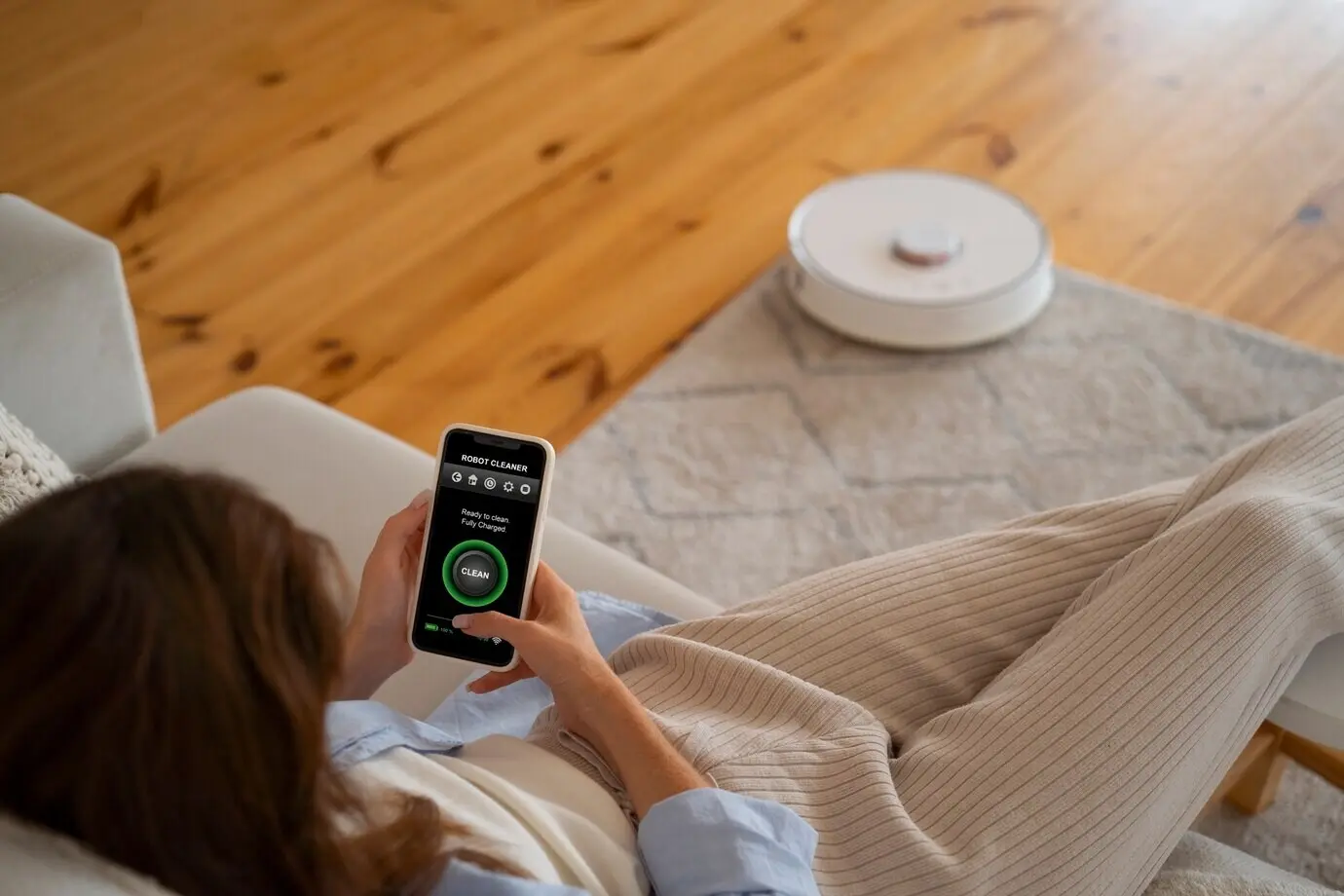
Expect new behaviors. Sunlight angles change, HVAC dynamics shift, and hallway traffic patterns differ. Recalibrate motion sensitivity, adjust thermostat schedules, and retrain robot vacuums’ maps. Tweak sunrise scenes to match window orientation. Test notification thresholds to avoid false alerts in echoey rooms. This fine-tuning stage turns a working setup into a delightful one. Share observations with the community to gather practical tweaks others discovered after similar moves and space transformations.

Security, Privacy, and Compliance

Factory Resets and Account Hygiene

For devices staying put or being gifted, perform documented factory resets and confirm removal from cloud dashboards. Clear microSD cards, sanitize local storage, and revoke app permissions. Update home address for emergency services in relevant platforms. Turn off location-sharing you no longer need. This cleanup avoids unexpected access, ghost devices, and misrouted alerts. Responsible offboarding respects privacy and ensures your new setup starts fresh, with only the people and places that truly belong.

Landlord Communication and Documentation

Proactively message your landlord about holes to patch, hardware you’ll restore, and any remaining smart fixtures. Share photos of repaired areas and final conditions. Clarify rules about exterior cameras and doorbells in multi-unit spaces. Obtain written confirmation for agreed arrangements. At move-in, document every outlet, smoke detector, and pre-installed device. Transparent, respectful communication reduces disputes, protects deposits, and builds goodwill that can help if you need scheduling favors or extra access later.

Energy and Insurance Implications

Ask your insurer about coverage for smart locks, cameras, and high-value hubs, including transit protection. Record serial numbers and receipts. Explore local utility rebates for efficient thermostats, lighting, and plugs. Consider surge protection or a UPS for critical gear. Track baseline energy use before automations. Smart planning lowers costs, speeds claims if something breaks, and helps you justify upgrades that pay back quickly in a new space with different usage patterns and routines.
Vunulelonizifalovuxa
Privacy Overview

This website uses cookies so that we can provide you with the best user experience possible. Cookie information is stored in your browser and performs functions such as recognising you when you return to our website and helping our team to understand which sections of the website you find most interesting and useful.